Netflix's vertical crop tool splits one shot into several when two characters talk
To turn widescreen scenes into phone-shaped clips, Netflix uses speaker detection so its virtual camera can cut between whoever is talking.
OddBrief EditorialAI-assisted, human-reviewed
 Tech
Key facts
- Who
- Netflix, for its Clips vertical feed and social marketing
- What
- automatic 9:16, 4:5 and 1:1 crops from 16:9 footage in one pass
- Trick
- speaker detection splits one wide shot into sub-shots per speaker
- Unknown
- no scores published for the claimed win over Premiere's Auto Reframe
Netflix has built an automatic system that turns its 16:9 footage into vertical 9:16, 4:5 and square 1:1 versions, and its most unusual trick is editorial: when two characters talk on opposite sides of the frame, it splits the single shot into sub-shots so the crop can cut back and forth between speakers. The company described the system on its tech blog on October 26.
The tool feeds Clips, the vertical video feed in the Netflix mobile app, as well as marketing for social accounts that Netflix says have 1.2 billion followers. Until now, editors reframed horizontal video for these formats by hand.
A virtual camera that follows the conversation
A simple centre crop fails on film, Netflix notes, because directors spread actors across the frame and move the camera. So the pipeline treats reframing as a tracking problem in three stages.
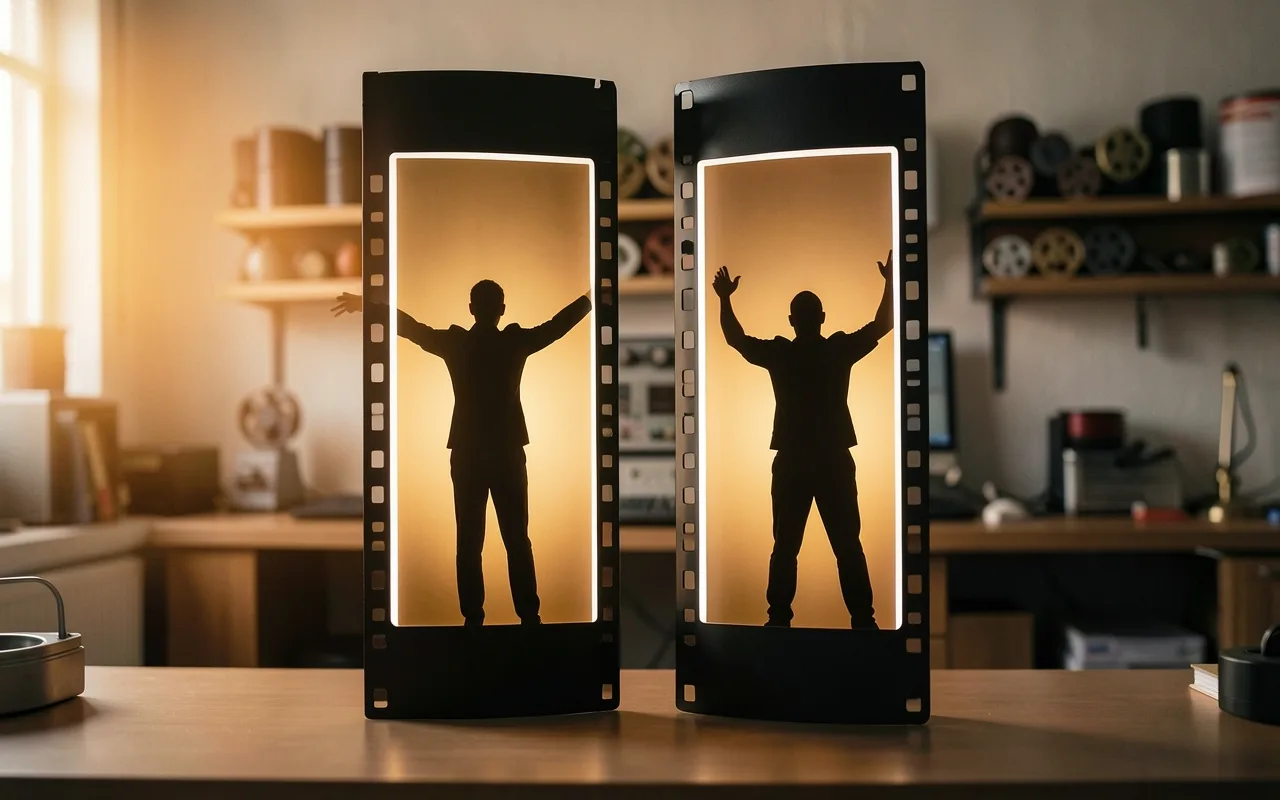
First, a neural network finds shot boundaries. Then an active speaker detector, built on an internal face detector and a tool Netflix calls LipFlap, works out who is talking. A conversation filmed as one continuous wide shot becomes several sub-shots, each centred on the current speaker, which is something a human editor might do but a centre crop never would. Netflix says this works for both live action and animation.
Next, face detections are combined with saliency maps, which estimate where a viewer's eye goes, and ranked by signals such as who is speaking and how large each face is. That produces a "focus region" for every frame.
Holding still on purpose
The last stage decides how the crop moves. Following the focus region frame by frame would look shaky, so the system locks the crop in place when the subject barely moves and only pans, with a smoothed path, when the motion is large. All three aspect ratios come out of a single pass.
Editors work with the results inside Netflix's internal Clips tool, where they can review and adjust each crop. For agencies and partners, the crop decisions can be exported as XML and loaded into Adobe Premiere, so outside editors start from Netflix's framing.
The claim against Premiere's own tool
Netflix says its algorithm beat Premiere's Auto Reframe feature on a curated evaluation set in an internal test. The post does not give scores, the size of the test set, or how quality was judged, so the margin is unknown.
The company also does not say how many clips have been produced this way or how much editing time it saves, describing the gain only as a significant reduction in manual effort. It says it plans to extend the approach to new formats and workflows.
Sources
- Multi-Ratio Video Resizing for Mobile Feed and MarketingNetflix TechBlogprimary source